Get Ready to Hit the Trails With Jasion’s All-New X-Hunter Folding Electric Bike

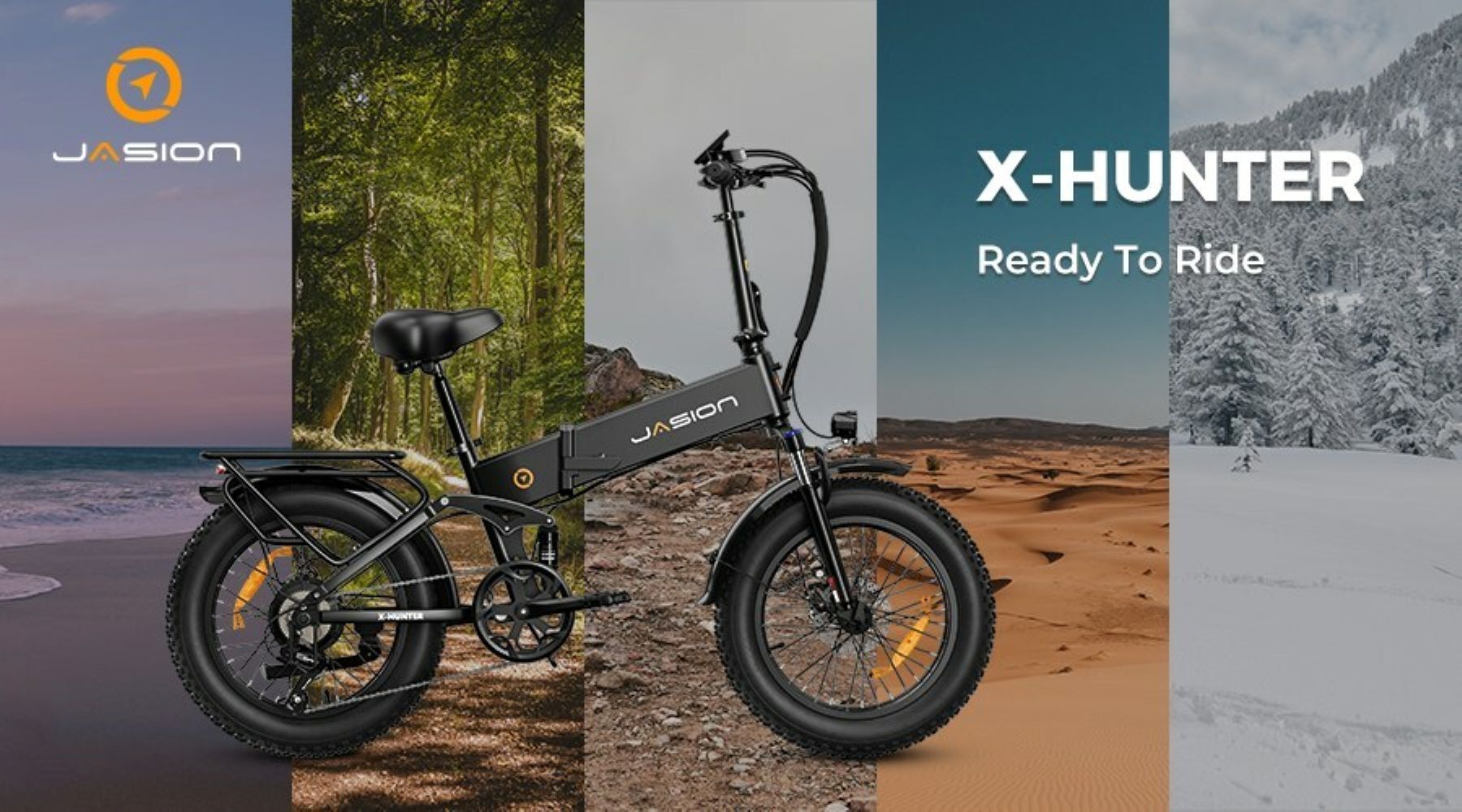
Jasion a trendsetter in the e-bike industry, is proud to announce the delivery of the X-Hunter. Designed with comfort and performance in mind, the X-Hunter is a folding electric bike with a full suspension frame that offers an incredible riding experience.
A Compact Frame that is Surprisingly Comfortable
The X-Hunter stands apart from traditional bikes with its sleek and compact layout. The innovative, and fully collapsible Horst-link suspension allows riders to easily transport and store the e-bike in tight spaces such as the trunk of a car or in the attic. Whether you’re commuting or exploring the latest trails, the X-Hunter offers a lot of flexibility.
What really sets the X-Hunter apart is the entire suspension system, which utilizes a Linkage-driven Single Pivot Suspension design, giving the user more adjustability and allowing for the bike to be capable of multiple terrains. Utilizing the linkage is the key to what makes the X-Hunter so smooth on difficult terrain, at least when compared to Jasion’s competitors. The improved ride comfort makes the X-Hunter one of the smoothest rides on the market.
At a respectable price of $1,199, the X-Hunter offers great value without compromising on quality or finish. With a range of 55 Miles in PAS mode and a maximum speed of is 28 mph, riders are capable of effortlessly traversing long distances while still being up for the challenge of off-road routes.
With such long ranges, you’d be surprised that the motor used is a powerful 48V/750W motor that ensures quick acceleration and dependable performance while pedaling. Pedal assist also includes up to 5 adjustable levels, allowing riders to easily switch between manual and electric assistance.
Jasion’s X-Hunter Pushes the Limits
The tall frame supports loads up to 330 lbs, and is more than capable of handling riders of many heights and body types (between 5’2″ and 6’3″, up to 330lbs). Additionally, the X-Hunter features a Shimano 7-speed gearbox for smooth gear changes and control over any terrain. Safety is a top priority at Jasion, so the X-Hunter is equipped with a front LCD light and a rear brake light, to ensure a safe driving experience. Drivers can easily spot riders, even on low-light roads. Riders feel safe knowing they can be clearly seen by others.
X-Hunter’s amazing 48V/13Ah battery capacity can easily make long trips, without the need for charging breaks. The 54.6V/2A charger that comes with the bike guarantees a fast charging time of 6.5-7 hours, so riders can charge their e-bike at night while they sleep, and wake up to a full battery.
Jasion was created by a group of young people who recognize the need for smart and sustainable transportation in today’s crowded cities. Jasion’s eBike line has a wide range of other models to accommodate all riders. Visit https://www.jasionbike.com/ to find the right one for you today. With Jasion’s commitment to providing quality products at prices that can’t be beat, customers can expect to see more people utilizing this convenient form of travel.
About Jasion
Jasion is a fast-growing e-bike company that is dedicated to providing innovative products for e-biking enthusiasts. With a focus on affordability and quality, Jasion strives to give you the best travel experience while promoting environmental sustainability.For more information on Jasion’s latest products and to stay up to date on news from the company, visit https://www.jasionbike.com/ and follow Jasion on facebook, @Jasionbike_official on Twitter, Jasionbike_official on Instagram and YouTube.